
How to delete a custom role
You can delete any custom role you no longer need. Built-in roles can't be deleted.
Good to know
- You can't delete a custom role while it's still assigned to one or more users. You'll need to reassign those users to a different role first.
- Deleting a role can't be undone.
Reassigning users first (if needed)
If the role is still assigned to anyone, reassign them before you can delete it:
- Click the Settings (cog) icon in the top right hand corner of the navigation bar, then click Users under the Users and access menu.
- For each user using the role, click the Actions (...) button, then click the Manage access button.
- Select a different role, then click the Save changes button.
For more detail, refer to the How to assign a custom role to a user help article.
Deleting a custom role
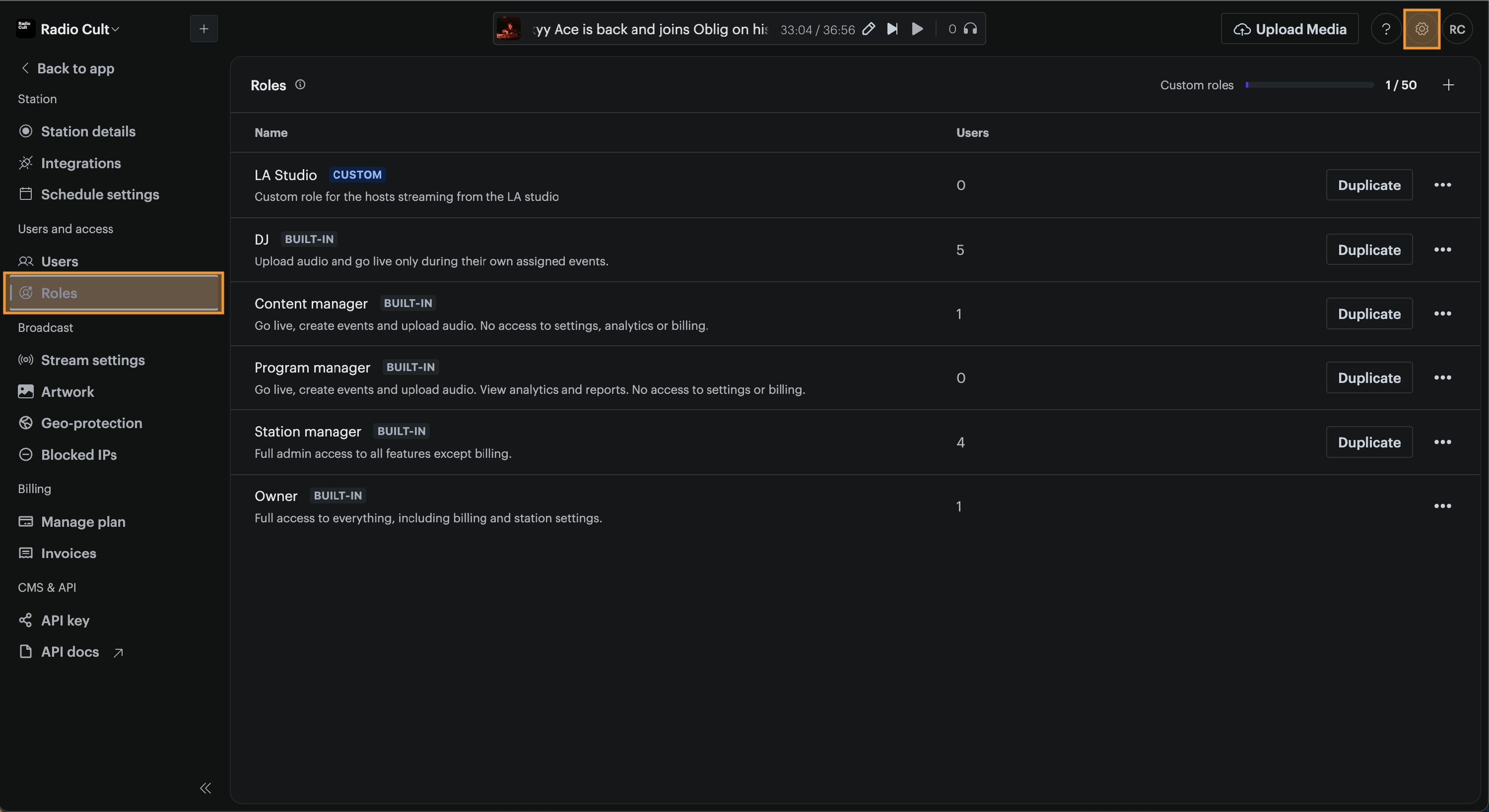
- Click the Settings (cog) icon in the top right hand corner of the navigation bar, then click Roles under the Users and access menu.
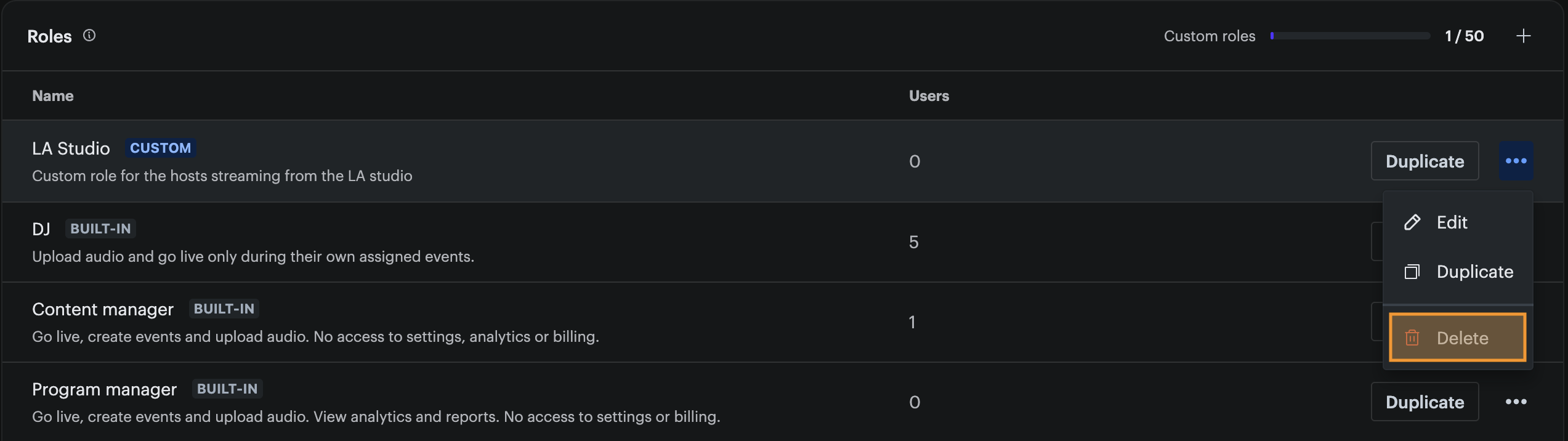
- Find the custom role you want to delete, then click the Actions (...) button next to it. Then click the Delete button. A confirmation window will appear.
- Click the Delete role button.
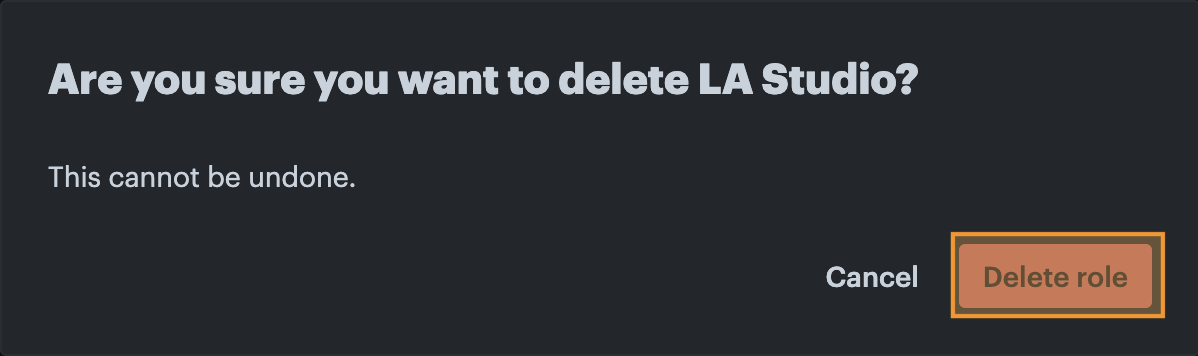
The custom role will now be deleted.